
A Comprehensive Guide to Removable Media Security
A Comprehensive Guide to Removable Media Security
 Lagetronix
Best Practices for Removable Media Use
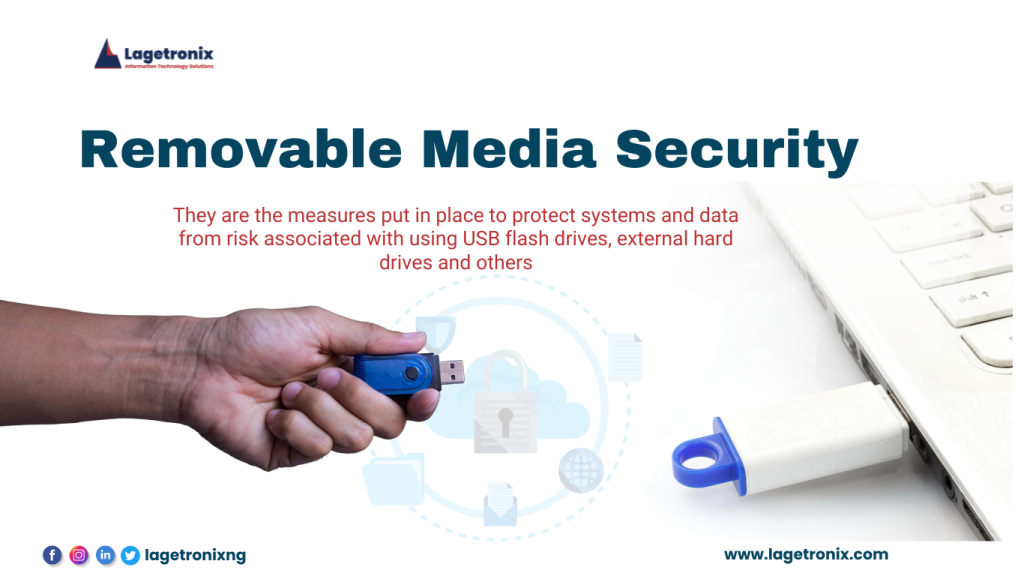
The convenience of removable media devices like USB drives, external hard drives, and optical discs has transformed the way we store and share data. However, this convenience comes with significant cybersecurity risks. In this blog post, we’ll delve into the threats posed by removable media and provide actionable steps to protect your systems and data.
The Growing Threat of Removable Media
- Data Breaches: Malicious actors can exploit vulnerabilities in removable media to steal sensitive information.
- Malware Infection: Removable devices can be used to spread malware, such as viruses, ransomware, and spyware.
- Unauthorized Access: Misplaced or stolen devices can lead to unauthorized access to confidential data.
Essential Security Measures
- Encryption: Use strong encryption software to safeguard your data both at rest and in transit.
- Password Protection: Set strong, unique passwords for your devices and files.
- Regular Scans: Scan removable media for malware using reputable antivirus software.
- Physical Security: Store devices securely when not in use to prevent theft or loss.
- Data Backup: Create regular backups of your important data to a separate, secure location.
Best Practices for Removable Media Use
- Verify Source: Only use removable media from trusted sources.
- Limit Sharing: Be cautious about sharing removable media with others.
- Avoid Public Charging Stations: Avoid charging your devices on public USB charging stations.
- Update Software: Keep your operating system, antivirus software, and device firmware up-to-date.
Case Study: The NotPetya Ransomware Attack
In 2017, a devastating ransomware attack, known as NotPetya, wreaked havoc on businesses and organizations worldwide.
While the initial vector of the attack remains unclear, one significant factor in its rapid spread was the use of removable media.
The attack leveraged a vulnerability in the Windows operating system to propagate itself across networks. Infected USB drives were used to introduce the malware into vulnerable systems, allowing it to spread laterally and encrypt critical data. This incident highlighted the potential for removable media to serve as a conduit for malicious software, even in seemingly secure environments. 3 Years After NotPetya, Many Organizations Still in Danger of Similar Attacks – Dark Reading
Key Takeaways From The Notpetya Attack:
- The power of removable media: Even in a digital age, physical devices like USB drives can be a significant security threat.
- The importance of vigilance: Organizations must be vigilant in monitoring their networks for signs of infection and implementing robust security measures.
- The need for backup: Regular backups are essential to recover from ransomware attacks and other data loss incidents.
By understanding the lessons learned from the NotPetya attack, organizations can take proactive steps to protect themselves from similar threats and ensure the security of their valuable data.
Lagetronix: Your Cybersecurity Partner
At Lagetronix, we’re committed to helping you protect your systems and data from cyber threats. Our team of experts can provide tailored solutions to meet your specific needs, including:
- Security Assessments
- Threat Detection and Response
- Incident Response Planning
- Employee Training and Awareness
Conclusion
While removable media devices offer great convenience, it’s essential to take proactive steps to protect your data. By following the guidelines outlined in this blog post and partnering with a trusted cybersecurity provider like Lagetronix, you can significantly reduce your risk of falling victim to removable media-related attacks.
Contact Lagetronix today for a free consultation and learn how we can help safeguard your systems and data.
Phone: 08077667777 or 08022907805
Email: info@lagetronix.com


